
Web3 & DeFi
How to Revoke Token Approvals Safely (2026)
Understand wallet connections versus token allowances, inspect the spender and amount, and revoke risky ERC-20 or NFT approvals.
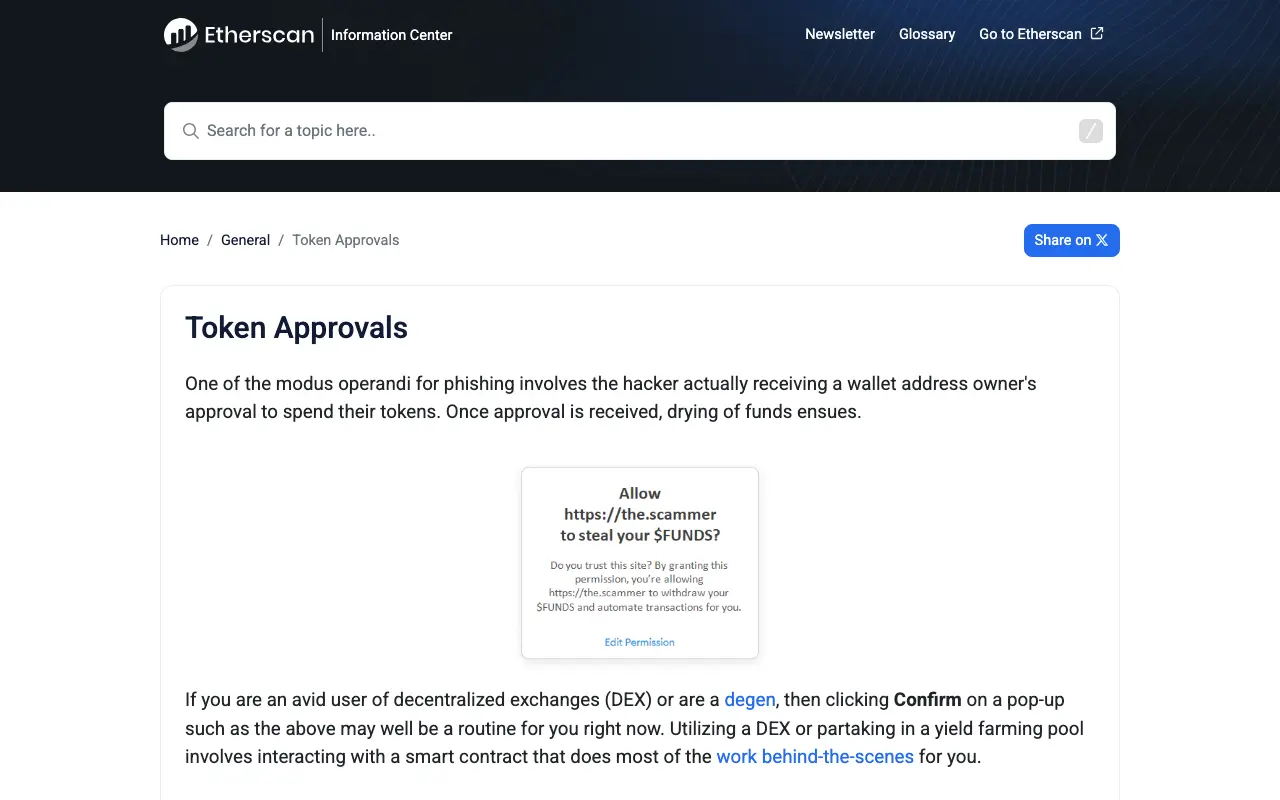
Connecting a wallet usually lets a site read a public address. A token approval is different: it authorizes a spender contract to move a specified token or NFT within an allowance. Old unlimited approvals and unfamiliar spenders deserve review.
Read the record before acting
An approval checker may show the asset, approved spender, allowance, approval time, and transaction hash. Investigate unknown contracts, unusually large allowances, apps you no longer use, and approvals created near a suspicious interaction.
Do not rely on a contract display name. Cross-check the address from the project’s official documentation and inspect whether the source is verified and the activity looks consistent.
A cautious revoke workflow
- Reach the checker from a block explorer or a project’s official documentation.
- Enter the public address for a read-only review before connecting.
- Identify the exact spender and network.
- Connect the wallet only when ready to revoke.
- Read the transaction and submit it with native gas.
- Wait for confirmation, then verify that the allowance is zero or gone.
Revocation is itself an on-chain transaction. It must be repeated on every relevant network. Do not add gas to a seed-compromised wallet without understanding the risk of an automated sweeper.
What revoking cannot do
- It cannot reverse an earlier token transfer.
- It does not repair a leaked recovery phrase or private key.
- It does not affect an allowance on another chain.
- It cannot guarantee that a contract will remain safe.
Etherscan documents ERC-20, ERC-721, and ERC-1155 approvals and explains approved spenders and current allowances: Token Approvals.
Reduce future exposure
Use limited allowances for one-off actions, separate long-term holdings from an interaction wallet, review common networks regularly, and read the asset, spender, and amount before signing.
Why an old approval is still dangerous
An approval does not expire. A permission you granted to a contract two years ago for a single swap remains live until you revoke it, and it survives you closing the tab, uninstalling the app or forgetting the site existed.
The risk is not usually that the contract was malicious on day one. It is that an unlimited allowance is a standing permission held by code you no longer monitor. If that contract is later exploited, upgraded by a compromised key, or was always a delayed trap, the allowance is the mechanism through which your tokens leave — with no further action from you.
This is why an approval audit is worth doing periodically even when nothing appears wrong.
Prioritising which to revoke first
Revoking costs gas, so working through hundreds of entries at once is rarely practical. Order the work by actual exposure:
- Unlimited allowances on tokens you hold a meaningful balance of. Highest exposure by definition.
- Spenders you do not recognise, especially any created around the time of a suspicious interaction.
- Apps you have stopped using. Dormant permissions carry risk with no offsetting benefit.
- Approvals on a wallet that also holds long-term assets. Consider moving the holdings to a separate wallet instead.
- Small allowances on low-value tokens. Lowest priority; often not worth the gas.
Separating your wallets
The most durable fix is structural rather than procedural. Keep long-term holdings in a wallet that never interacts with a contract, and use a separate, lightly funded wallet for swaps, mints and DeFi.
That way an approval mistake can only reach what is in the interaction wallet. Combined with a hardware wallet for the holdings, this removes most of the realistic failure modes — see Hardware Wallets: How to Choose One and When You Actually Need It.
FAQ
Is disconnecting a site the same as revoking? No. Disconnecting the interface does not change the on-chain allowance.
Should I revoke everything? That minimizes dormant permissions but requires new approval transactions and gas when you return. Prioritize risk.
This site never asks readers to connect a wallet. Use tools only through verified official entry points.