
Security
Why Does One Seed Phrase Have Multiple Addresses? Keys, Accounts and Recovery
How one seed phrase can control several account addresses, what the private key and address each do, and what to check when a restored wallet doesn't show the address you expected.
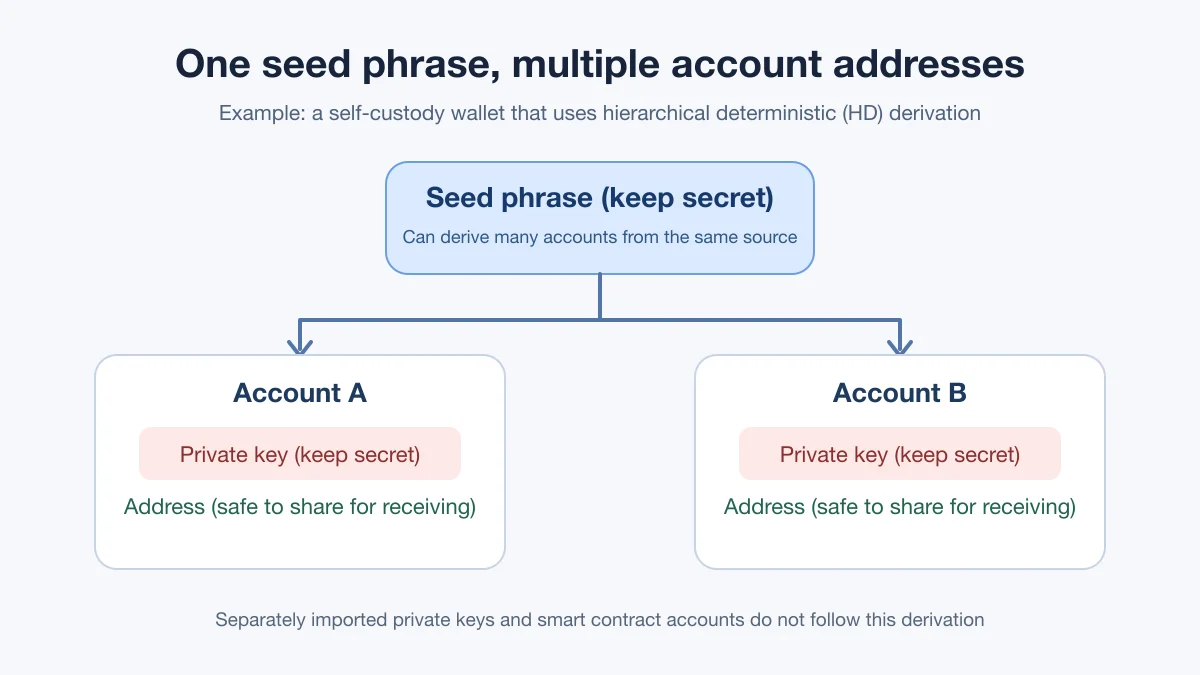
Restored a wallet from your seed phrase and now see more than one address — or not the one you expected? That usually comes down to how many self-custody wallets work. They are "hierarchical deterministic" (HD): the seed phrase produces a seed, and the wallet follows a fixed derivation path to generate a series of accounts. Each account has its own private key and its own receiving address. This guide covers that type of account only. Exchange accounts, private keys imported on their own, and smart contract accounts do not fit this picture.
What do the seed phrase, private key and address each control?
The seed phrase is the way back into the whole set of derived accounts. Under the BIP-39 scheme, the words are converted into a seed, which an HD wallet then uses to generate keys. It is not "the password for one address". The BIP-39 specification and the BIP-32 specification describe those two steps.
A private key controls one regular on-chain account and signs its transactions. Account A and Account B, derived from the same seed phrase, have different private keys. Exporting Account A's private key and importing it elsewhere gives you Account A only — not Account B. MetaMask's guide to the Secret Recovery Phrase, password and private keys draws the same line between what each one can restore.
An address is the public identifier people use to send you funds. You can share it with a payer; it is not a private key. For a regular Ethereum externally owned account, the address is calculated from the public key, and the private key cannot be worked out from the address. Ethereum's accounts documentation also notes that contract accounts are controlled by code and do not all have private keys.
Why can't I see my old address after restoring the wallet?
Don't read "not shown in the app" as "the funds are gone". Work through the checks below using information you already have. Never type your seed phrase into a "recovery lookup" website you found through search, and never send it to anyone claiming to be support.
- Confirm which set of accounts this seed phrase belongs to. One wallet app can manage more than one seed phrase, and a label such as "Account 1" does not prove two apps are showing the same address.
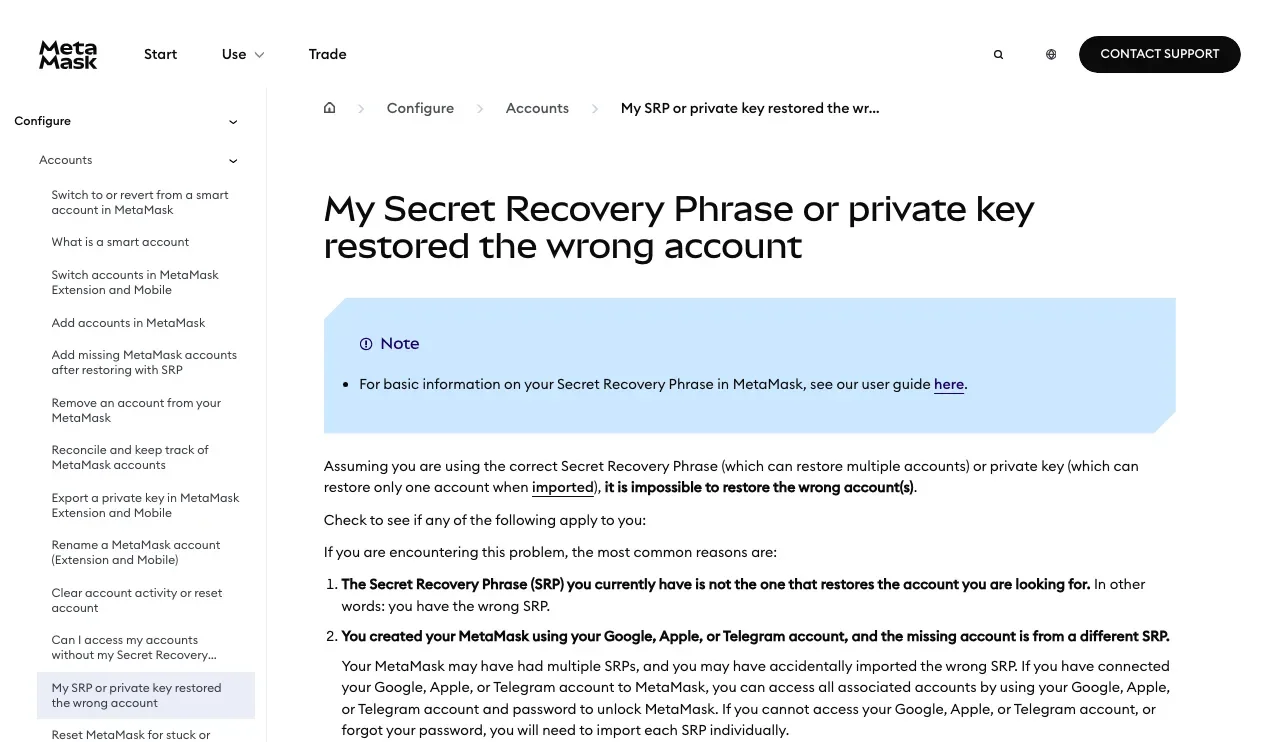
- Confirm the old address was actually derived from this seed phrase. If that account was added later by importing a separate private key, restoring the seed phrase will not bring it back. You need the separate backup you kept for that key. MetaMask's troubleshooting page for restoring the wrong account lists this case among the common causes.
- Check the network, account order and derivation rules. The same seed phrase does not guarantee that a different wallet app will immediately show the same addresses. The app may display only the first account, or use a different derivation path or address format. Check compatibility in the original wallet's official documentation, and do not experiment with your seed phrase in tools you don't know.
- Separate "missing address" from "missing token". If the address matches but a token balance isn't showing, look the address up on that network's explorer first — our guide on checking an address and its transactions in a block explorer walks through it — then check whether the wallet supports or displays that token. A display problem does not mean your keys changed.
If you suspect someone else has seen your seed phrase, that is a different situation from a temporarily missing address: follow the emergency steps for an exposed seed phrase, set up a new set of keys and move whatever assets you still control. If you are thinking about keeping your keys on a dedicated device, see when a hardware wallet is actually worth it.
What can I share, and what must stay private?
Receiving addresses can be public, but a public address also exposes that account's transaction history on its network. The seed phrase and private keys must stay secret: the seed phrase usually covers several accounts from the same source, while a private key covers its single account. The password that unlocks your wallet app on a device is something else again — changing it does not replace a seed phrase or private key that has already leaked. When you back up, write the words down in the exact order and verify them using your wallet's official method. Don't photograph them, upload them to cloud storage or send them to anyone.